Good tools get out of the way
On quiet interfaces, small details, and building things that leave room to think.
The best tools have a curious quality: after a while, you stop noticing them.
A well-balanced pen. A familiar keyboard. A notebook that opens flat. They don't ask you to admire the mechanism. They make it easier to do the thing you came to do.
Room to think
An interface is a kind of conversation. Every button asks a question. Every notification interrupts a sentence. Every choice takes a little attention away from the work.
Good design gives some of that attention back. It makes the next step clear, and leaves the rest of the page quiet.
A useful interface doesn't fill every space. It gives the important things somewhere to breathe.
This is why the small details matter: the distance between a heading and its paragraph, a control that stays where you expect it, a preview that looks exactly like the finished page.
A material with a purpose
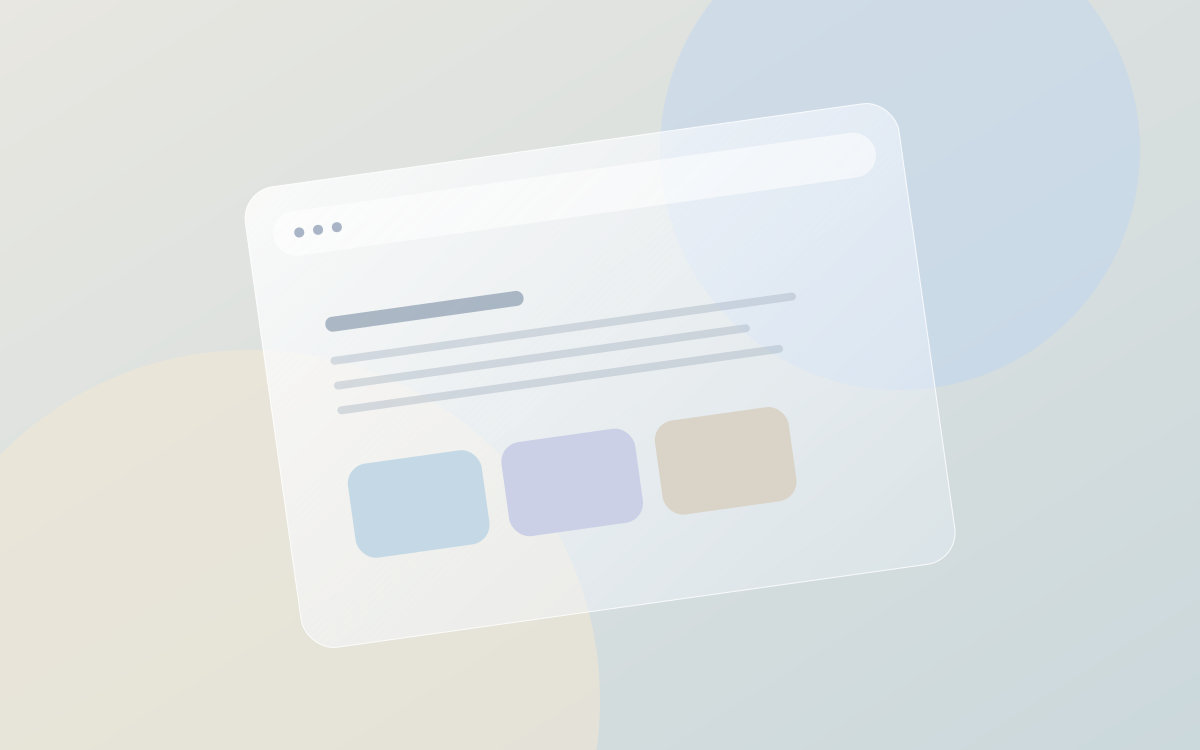
Glass is interesting because it can create a sense of depth without closing off the world behind it. A toolbar can float above a photograph. A reading surface can feel connected to its background while keeping the words clear.
The trick is to give each layer a job:
| Layer | Purpose |
|---|---|
| Background | Establish a sense of place |
| Reading surface | Make sustained attention comfortable |
| Controls | Make the next action obvious |
When everything is equally loud, nothing has a clear role. Restraint is part of the material.
Leave the source open
A personal notebook should feel like it belongs to you. Plain text helps. A file can be opened, moved, compared, and kept without asking a service for permission.
const notebook = {
  source: 'plain Markdown',
  purpose: 'a place to think',
  ownership: 'yours',
};
Tools can be sophisticated on the inside and simple on the outside. In fact, that might be the whole point.1


Footnotes
-
This is a demonstration essay. Replace it with your own writing in Studio. ↩